What Is Vibe Coding: Directing AI Agents Instead of Writing
By MobileVibe Team · July 23, 2026 · 7 min read

What Is Vibe Coding: Directing AI Agents Instead of Writing
Vibe coding is the workflow where you describe what should change and direct an AI coding agent through the work instead of typing every line yourself. The agent edits files, runs commands, checks failures, and reports back. You decide the goal, constraints, approvals, and final quality bar.
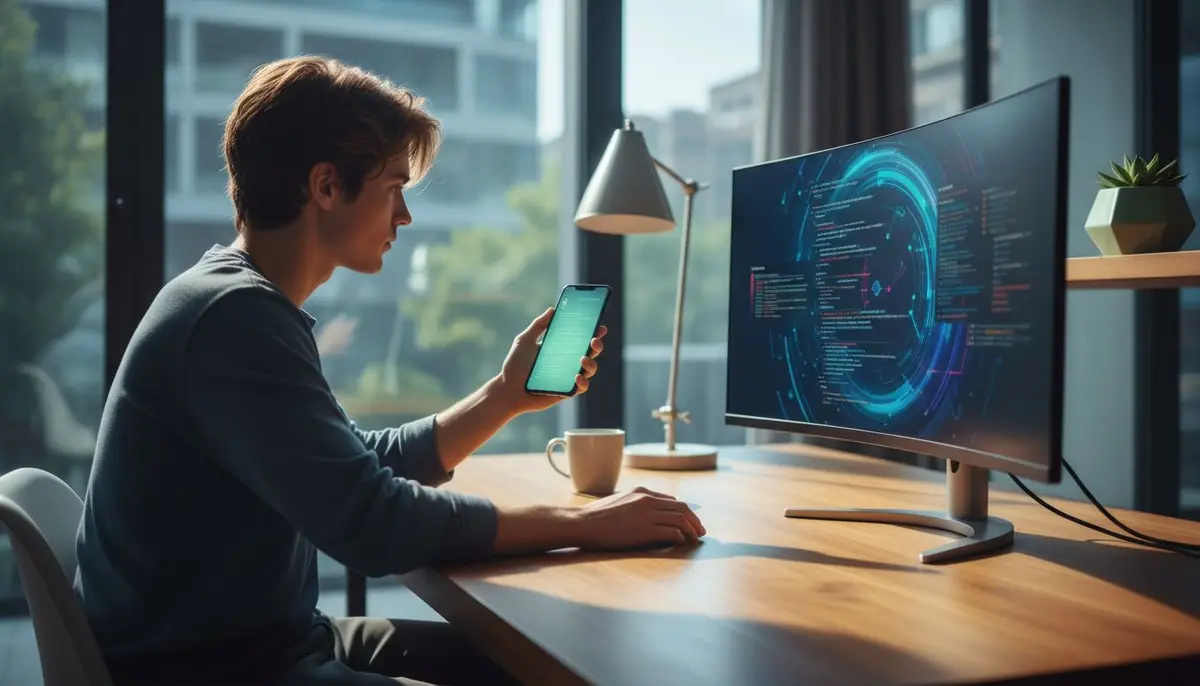
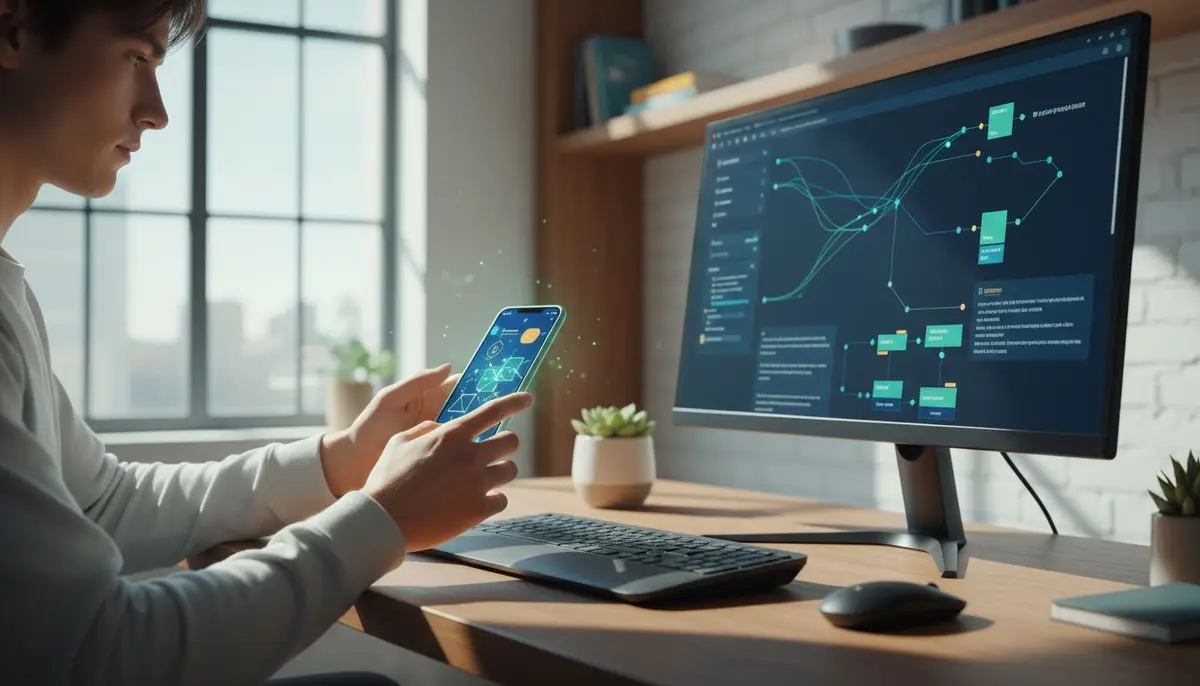
That sounds simple, but the important detail is where the agent runs. For serious work, vibe coding is strongest when the agent runs on your real computer, in your real project, with your installed tools and local context. Mobile vibe coding is the same workflow from your phone: your desktop does the work, your phone is the steering wheel.
Quick answer
Vibe coding means directing AI coding agents such as Claude Code, Codex, Cursor, or Devin Desktop (formerly Windsurf) to implement changes in a codebase while you steer and review. You work in a conversation tied to a folder, an agent, and a surface such as a CLI or editor. Instead of manually writing every function, you prompt, inspect, approve, correct, and ship.
Key takeaways
- Vibe coding is not “AI does everything.” It is agent-directed development with human review.
- The main object is a conversation: one task thread connected to a folder/project and an agent.
- Good vibe coding uses explicit constraints, validation commands, and approval checkpoints.
- Mobile vibe coding works because directing an agent is conversational, not keyboard-heavy.
- Local execution matters: your repo, terminal, tools, and environment stay on your own computer.
- MobileVibe turns your phone, tablet, or browser into a control surface for those desktop agent sessions.
The Basic Loop
A typical vibe coding session starts with a task:
In this project, add password reset emails using the existing mailer. Keep the current auth routes stable, add tests for expired tokens, and run the auth test suite before summarizing.
The agent reads the project, proposes a plan, edits files, runs commands, and reports what happened. You may approve a file change, reject a bad direction, ask it to inspect another file, or tell it to stop and summarize.
The loop is:
- Describe the outcome.
- Give constraints and validation.
- Let the agent inspect and work.
- Respond when it needs input or approval.
- Review the diff and decide what ships.
This is why vibe coding feels different from autocomplete. You are not asking for the next token. You are managing a small implementation loop.
Vibe Coding vs Pairing With Autocomplete
AI pair programming tools help while your hands stay in the editor. They suggest code as you type, answer questions, and maybe rewrite a selected block. That is useful, but the unit of work is still your cursor.
Vibe coding moves the unit of work to the conversation. The agent can search the repository, edit multiple files, run npm test, read the failure, and try again. Your role becomes closer to reviewer and tech lead: set direction, prevent bad assumptions, and keep scope tight.
This does not make the developer less technical. It makes technical judgment more visible. If you cannot evaluate the diff, you cannot safely direct the agent. Vibe coding is for people who can read code, understand trade-offs, and know when the agent is bluffing.
Why Conversation-First Matters
In a real agent workflow, the thing you come back to is not just a file or a branch. It is the conversation.
A useful conversation includes the project folder, the agent surface, the prompt history, pending approvals, recent changes, and current status. It tells you whether the agent is still working, blocked on a command, waiting for your approval, asking a question, or done.
MobileVibe is intentionally conversation-first. A conversation ties a folder plus an agent plus a surface together. That surface may be a CLI-backed agent such as Claude Code or Codex, or a supported host app workflow such as Cursor or Devin Desktop where available. The point is continuity: you can return to the thread that already has the context instead of starting over with “here is what we were doing.”
What Good Vibe Coding Looks Like
Good vibe coding is specific. Weak prompts sound like:
Make the dashboard better.
Useful prompts sound like:
Tighten the dashboard empty state. Keep the existing design system, add a test for the zero-project state, and do not touch billing or onboarding.
The second prompt gives the agent a lane. It can inspect the dashboard, identify the empty state, preserve unrelated modules, and validate the result.
Good vibe coding also has stop conditions. Ask the agent to pause before migrations, authentication changes, destructive commands, dependency upgrades, or anything that changes deployment behavior. Turn on auto-approve only when the task is narrow and the supported tool controls are appropriate for the risk.
Most agent mistakes are not random. They come from vague scope, missing context, or a validation step the agent skipped. Your job is to make those failure modes harder.
What Vibe Coding Is Good For
Vibe coding is strongest when the path is understandable but the execution is tedious:
- adding tests around existing behavior
- migrating an API call across several files
- updating docs after a feature change
- wiring a small UI flow through existing components
- reproducing a bug and capturing the failing test
- exploring a new library in a throwaway branch
- cleaning up lint, types, or repetitive patterns
It is weaker when the problem needs deep product taste, hidden domain knowledge, performance profiling, security review, or a novel algorithm. You can still use an agent there, but expect to guide tightly and review more.
The best pattern is not “agent or human.” It is “agent drafts, human decides.” Let the agent create momentum, then apply your judgment where mistakes are expensive.
Mobile Vibe Coding
Vibe coding becomes more useful when the agent can keep working while you are away from the keyboard. The blocker is not typing code from a phone. Nobody wants to build a serious refactor through a cramped mobile IDE.
The blocker is control.
Claude may need approval to edit a file. Codex may hit a question after running tests. A Cursor or Devin Desktop session may be sitting in a host app on your desktop while you are somewhere else. If you can answer from your phone, the task continues. If you cannot, the agent waits.
MobileVibe exists for that moment. A lightweight Desktop Connector runs on your macOS Apple Silicon or Windows 10+ computer. Your phone, tablet, browser, PWA, or native wrapper connects to that desktop through MobileVibe. The agent stays local with your filesystem and terminal. MobileVibe gives you a mobile-friendly interface to read, prompt, approve, and resume.
That is different from a cloud sandbox, GitHub Codespaces, VS Code Tunnels, or remote desktop. Your code does not move into a hosted workspace. Your agent keeps running where your tools already work.
Notifications, Email, and Parallel Work
Real vibe coding is asynchronous. You start a task, leave the desk, and come back when the agent needs judgment. The dashboard should feel like an inbox:
- which conversation is working
- which one needs approval
- which one hit a quota or auth issue
- which one changed recently
- which one is safe to resume from the phone
Push and email notifications are useful when they point you back to a decision. The email loop can continue an existing conversation or start a new one in a folder, but it should not be used for secrets, passwords, private keys, or credentials.
Advanced users also run several agents in parallel. Give each workstream its own folder, clone, or git worktree. One agent can update tests while another explores a UI change. Keep the lanes separate, then review and merge deliberately.
FAQ
Is vibe coding only for beginners?
No. Beginners may like the phrase, but effective vibe coding requires technical review. Senior developers often get the most value because they can spot bad assumptions quickly.
Does vibe coding mean I stop writing code?
No. You write less boilerplate and more direction. You still inspect diffs, adjust architecture, write critical code when needed, and decide what ships.
Can I vibe code from my phone?
Yes, if your phone controls a real agent session. MobileVibe lets you direct supported desktop agent workflows from anywhere while your computer remains the runtime.
Is MobileVibe hosting my code?
No. MobileVibe stores routing and session metadata. Your local project files and raw agent history stay on your computer unless you deliberately send content to an AI provider through the agent you chose.
Where to Start
Pick one low-risk task in a real repo: add tests, update a doc, fix a small bug, or refactor a small component. Give the agent constraints and a validation command. Review the diff carefully.
Then try the mobile loop. Install the MobileVibe Desktop Connector, pair your computer, and use your phone as the control surface. That is the point of mobile vibe coding: mobile freedom, desktop power.