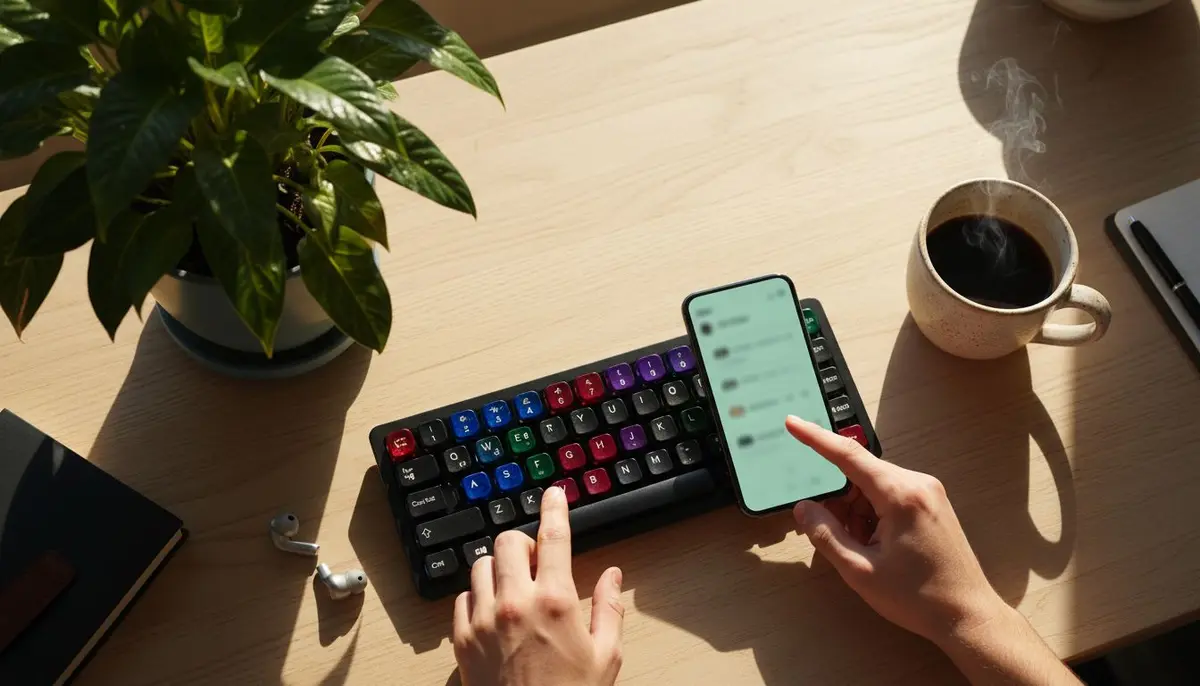
Coding from Mobile: Running Real Agents on Your Own Machine
By MobileVibe Team · July 27, 2026 · 7 min read

Coding from Mobile: Running Real Agents on Your Own Machine
Quick answer
Coding from mobile is not about typing code into a phone editor. The practical 2026 workflow is to run real AI coding agents on your own desktop and control them from your phone. MobileVibe connects to the development environment that is already running on your Mac or Windows machine, then gives you a mobile interface for starting tasks, monitoring progress, approving changes, and resuming conversations from anywhere.
Your machine does the work. Your phone keeps you in the loop.
Mobile coding changed because coding changed
Old mobile coding tools tried to shrink the desktop IDE. They gave you syntax highlighting, a terminal, and maybe a synced filesystem. That was useful for emergencies, but it was not how serious software got built.
AI coding agents changed the center of gravity. A lot of implementation work now starts as a natural-language instruction: refactor this module, fix the failing tests, wire the new endpoint into the UI, explain why this migration fails in CI. The human bottleneck is less often raw typing and more often direction, review, and approval.
That makes the phone valuable in a different way. A phone is poor for editing a large codebase, but excellent for short decisions. Yes, proceed. No, do not touch that folder. Use the new API. Wait for desktop review. Add tests before continuing. Those are the moments that keep an agent moving while you are away from the desk.
The MobileVibe model
MobileVibe is built around your existing desktop environment. A lightweight Desktop Connector runs locally. After you sign in and pair the machine, you can reach that workspace from a phone, tablet, browser, PWA, or native wrapper.
The object you work with is a conversation. A conversation ties together:
- a folder or project,
- an agent such as Claude Code, Codex, Cursor, or Devin Desktop where supported,
- and the surface where that agent is running, such as a CLI or host editor.
That conversation-first model is what makes mobile access useful. Instead of opening a file tree first, you open the dashboard and see what needs attention. One conversation may be working. Another may be waiting for approval. A third may have finished and changed files. A fourth may need provider authentication or hit a quota condition.
The dashboard becomes an inbox for agent work.
What runs where
Execution stays on your computer. Builds run there. Tests run there. Local tools, environment variables, installed CLIs, editor extensions, MCP servers, Docker setup, and project-specific quirks remain where they already work.
MobileVibe does not create a cloud development environment for you. It does not replace your editor. It does not stream a remote desktop. It connects your authenticated mobile session to the Desktop Connector, and the connector exposes the local workspace through a mobile-optimized interface.
That means the common comparisons are straightforward:
- Remote desktop shows pixels; MobileVibe exposes the work in a phone-oriented interface.
- Cloud IDEs run code in a hosted environment; MobileVibe runs code on your machine.
- VS Code Tunnels and similar tools are still editor-centric; MobileVibe is organized around agent conversations and the decisions they need.
This is not a claim that cloud tools are useless. They are good when you want a hosted environment. The MobileVibe bet is different: many developers already have the environment they trust, and they want to control it from anywhere.
The real mobile moments
Most useful phone interactions are short.
An agent asks for approval before editing files. You check the scope and approve.
An agent asks whether to preserve a legacy behavior. You answer with the product decision.
An agent finishes a refactor. You scan the summary and leave the full review for your desktop.
An agent hits a provider limit. You decide whether to wait, switch lanes, or return later.
An agent needs re-authentication. You avoid sending credentials through chat or email and use the supported provider flow when appropriate.
These are not glamorous interactions, but they are the difference between a task finishing while you are out and a task sitting idle for four hours because it needed one sentence from you.
Approval loops are the workflow
Agent-driven development is powerful because agents can take multi-step action. It is risky for the same reason. A good mobile workflow makes approvals visible without encouraging careless approval.
Use manual approval for anything with real blast radius: deletes, migrations, production deploys, credential handling, payments, customer data, dependency upgrades, and broad rewrites. Use auto-approve, where supported, only for well-scoped tasks in folders you can recover with git.
A good mobile prompt is narrow:
In this worktree, update the settings page to use the new account API. Keep the old route behavior. Add tests for the loading and error states. Stop before changing auth middleware.
That gives the agent room to work while making the approval decision easier later. If the agent asks to touch auth middleware anyway, the answer is no. If it edits the settings page and tests, approval is probably low-risk.
Workstreams: running more than one agent
The biggest shift in mobile agent work is parallelism. You can run several conversations across separate folders or git worktrees, then supervise them from one dashboard.
For example:
- Claude Code in
feature/account-apihandles the backend refactor. - Codex in
feature/account-uiupdates the React surface. - Cursor or Devin Desktop in a docs folder updates user-facing copy where live host-app support is available.
Each workstream is isolated. Each has its own agent, folder, and conversation state. Your phone does not need to hold all the implementation context at once. It just shows which lane needs attention.
This is safer than asking one agent to change the entire repo in one pass. It also matches how experienced developers already work: isolate risk, review diffs, merge deliberately.
Be precise about tool behavior. Claude Code has comparatively strong local conversation continuity across supported Claude surfaces. Codex has separate surfaces, and moving between them may copy or fork history. Cursor and Devin Desktop are separate host applications; MobileVibe can make supported live sessions reachable, but full history parity should not be assumed.
Email as a continuation path
Email can be useful when you are not in the app. MobileVibe supports the idea of emailing an existing conversation to append instructions, or emailing a folder/project to start a new conversation with that folder’s defaults.
Use that for direction, not secrets. Good email replies look like:
Continue with the conservative fix. Do not change the database schema. Summarize the remaining risks when done.
Bad email replies include API keys, passwords, recovery codes, private keys, production credentials, or confidential data the agent does not already need. If a task requires secret handling, use your normal secure workflow and the provider’s supported authentication path.
Privacy and data handling
MobileVibe’s privacy value comes from where the work lives. Your repositories, file contents, terminal history, and raw agent conversations remain on the desktop unless you deliberately send content to an agent/provider.
MobileVibe cloud coordinates authentication, desktop routing, and session metadata. It needs enough information to know which authenticated device should reach which paired desktop and which conversation status to show. It is not intended to be the hosted home for your local source code.
AI provider data handling remains provider-specific. If Claude Code or Codex sends context to Anthropic or OpenAI when you use those tools locally, that same provider relationship still applies through MobileVibe. MobileVibe does not make a provider more private; it makes your local provider session reachable from a mobile-friendly control surface.
Getting started without overfitting the setup
The basic setup is:
- Install the Desktop Connector from mobilevibe.com/download.
- Sign in and pair the desktop.
- Add a project folder or open one already known to MobileVibe.
- Choose the supported agent and surface that match how you work.
- Open MobileVibe from your phone and start with a narrow task.
Do not start with “rewrite the whole app.” Start with something recoverable: update docs, add a missing test, explain a module, or fix a small bug in a worktree. Confirm notifications, approvals, and reconnect behavior. Then scale into longer work.
Check pricing for current plan details rather than relying on stale free-tier numbers in a blog post.
FAQ
Can I really code from a phone?
Yes, if “code” means direct an agent that runs on your desktop. No, if you mean comfortably hand-edit a large project on a phone keyboard.
Is this just SSH?
No. SSH gives you a terminal. MobileVibe gives you a mobile interface around agent conversations, approvals, files, and project status.
Is this a cloud IDE?
No. Your code and tools stay on your computer. MobileVibe provides remote access to that environment.
Which agents make the most sense?
Claude Code and Codex are the clearest agent paths today. Cursor and Devin Desktop can be part of the workflow where supported as host applications. Treat each tool’s history and resume behavior according to its actual surface.
What should I not do from my phone?
Do not approve high-risk changes blindly. Do not send secrets through email. Do not treat a phone scan as a substitute for a real diff review when the change matters.
Mobile freedom. Desktop power. That is the practical version of coding from mobile: run real agents on your own machine, then use the phone for the moments where your judgment keeps the work moving.